
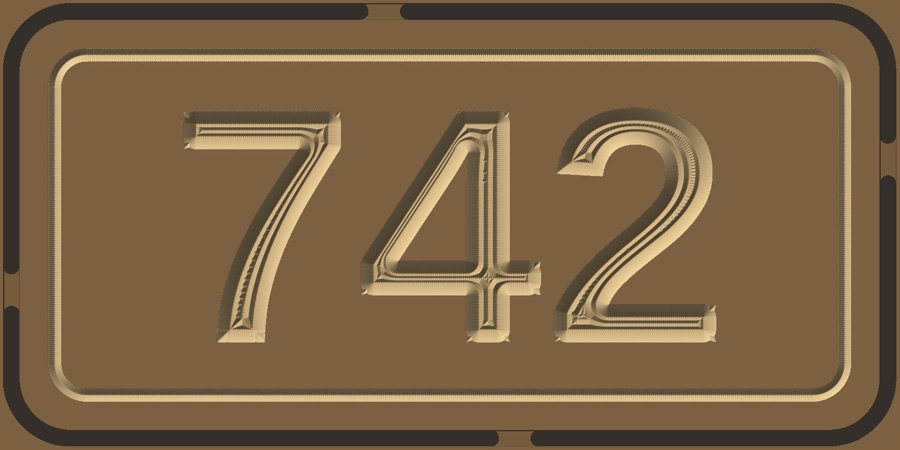
Cabinet doors with hinge cups (MDF)
board60″ × 32″ × 0.75″bits1/4 Down End Mill (0.25 inch), 1/8 End Mill (0.125 inch), V-Bit (90 deg 0.5")time≈ 42 min
no ratings yet12 downloads
 /projects · free community files
Projects shared by makers. Open one in GCarve, pick your machine, bits and board, and get G-code for 66+ controllers. Most include free DXF and SVG files.
gworkshop / projects


Made something you're proud of? Open your project in GCarve, choose File › Share to Community…, add photos and a license. It's reviewed before it appears here, usually within a day. Others can then open it, fit it to their own machine and bits, and cut it.
Share your projectYes. Every project here is free to open, change and cut, under the license shown on its page (Creative Commons). GCarve itself is free in the browser and as a desktop app.
Any CNC router GCarve can post for: 66+ controllers including WinCNC (CAMaster), GRBL (Shapeoko, X-Carve, Onefinity, LongMill), Mach3, Mach4, LinuxCNC, ShopBot, Masso, UCCNC and Centroid. When you open a project, GCarve asks for your machine, your bits and your board thickness, then makes G-code for it.
Most projects include SVG and DXF vector files you can download from the project page, for use in any CAD or CAM program. The GCarve project file (.tlp) keeps the toolpaths too.
In GCarve choose File › Share to Community…, add a title, a few photos and a license, and send it. It appears here once it has been checked, usually within a day.
Make it on your machine. GCarve is free CNC software that runs in your browser, with free desktop apps for Mac, Windows and Linux.
Open GCarve free